Ring Central
Last updated: September 22, 2026
Greenboard - RingCentral Monitoring Access Instructions
Step 1: Open Ring Central and enable message data export

Step 2: Log into the RingCentral Developer Console
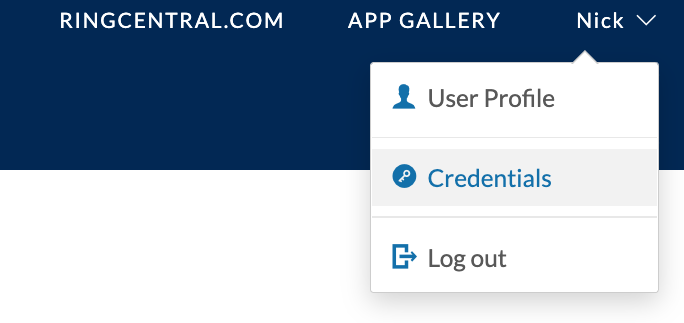
Step 3: Hover your mouse over your name in the upper righthand corner, and select "Credentials."
Step 4: Click "Create JWT."
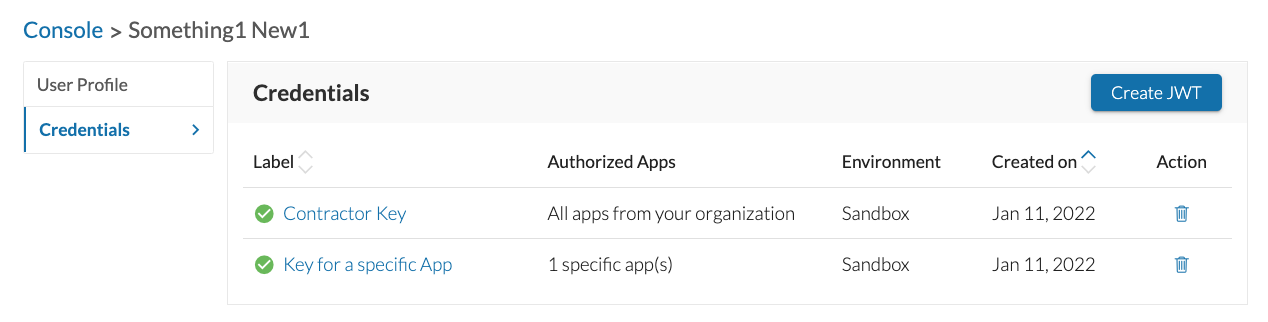
Step 5: Configure your JWT

Enter Greenboard as the label
Select “Only specific apps of my choice”
Enter bfRmAwDhyq9d7ruIvWYcNR as the client id
Click Add App
Step 6: Specify Expiration Date as Dec 31, 2048, and click Create JWT

Step 7: Copy the JWT and send it to [email protected]

Tip: As a best practice, we recommend sharing any credentials with the Greenboard team using an encrypted or secure method where possible.