Microsoft Teams
Last updated: August 19, 2026
Greenboard - Microsoft 365 Monitoring Access Instructions
This process is for connecting Greenboard to the Microsoft Graph API. This will enable access to Email (Microsoft 365 and Exchange Online) and Teams
**Please note, we highly recommend ensuring your Microsoft account has proper retention settings for archiving purposes. You can find those instructions here.
Step 1: Login to your Greenboard Administrator Account - Link
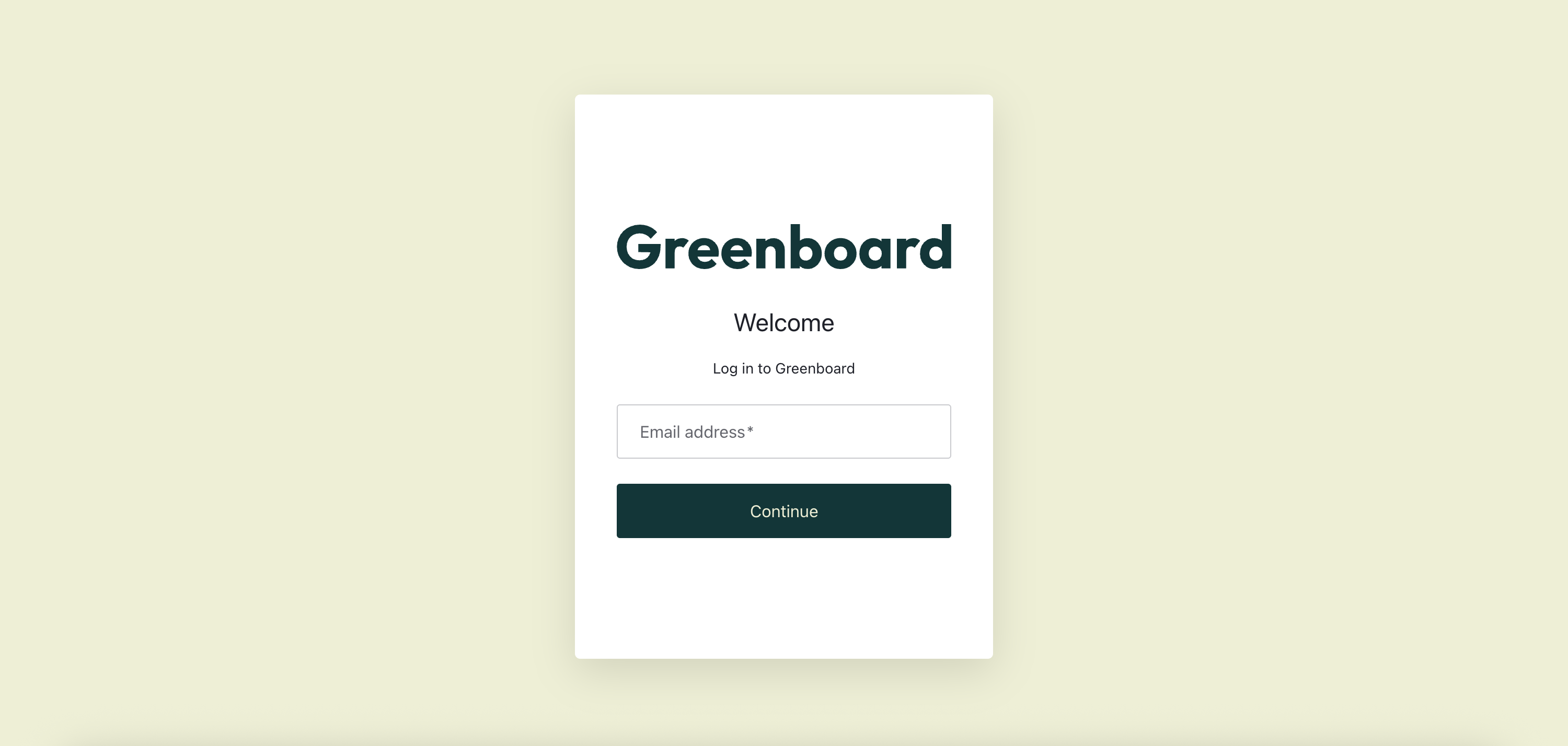
Step 2: Go to the Greenboard Connection Portal - Link
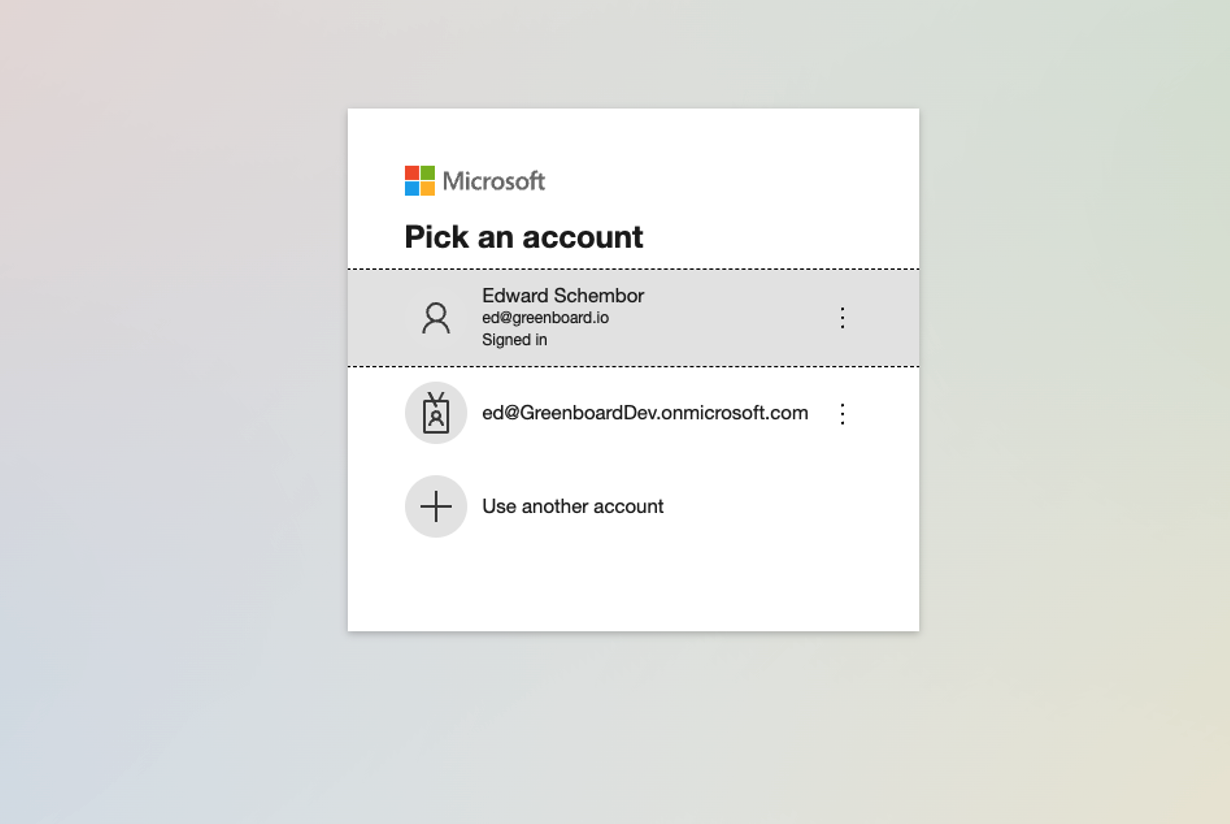
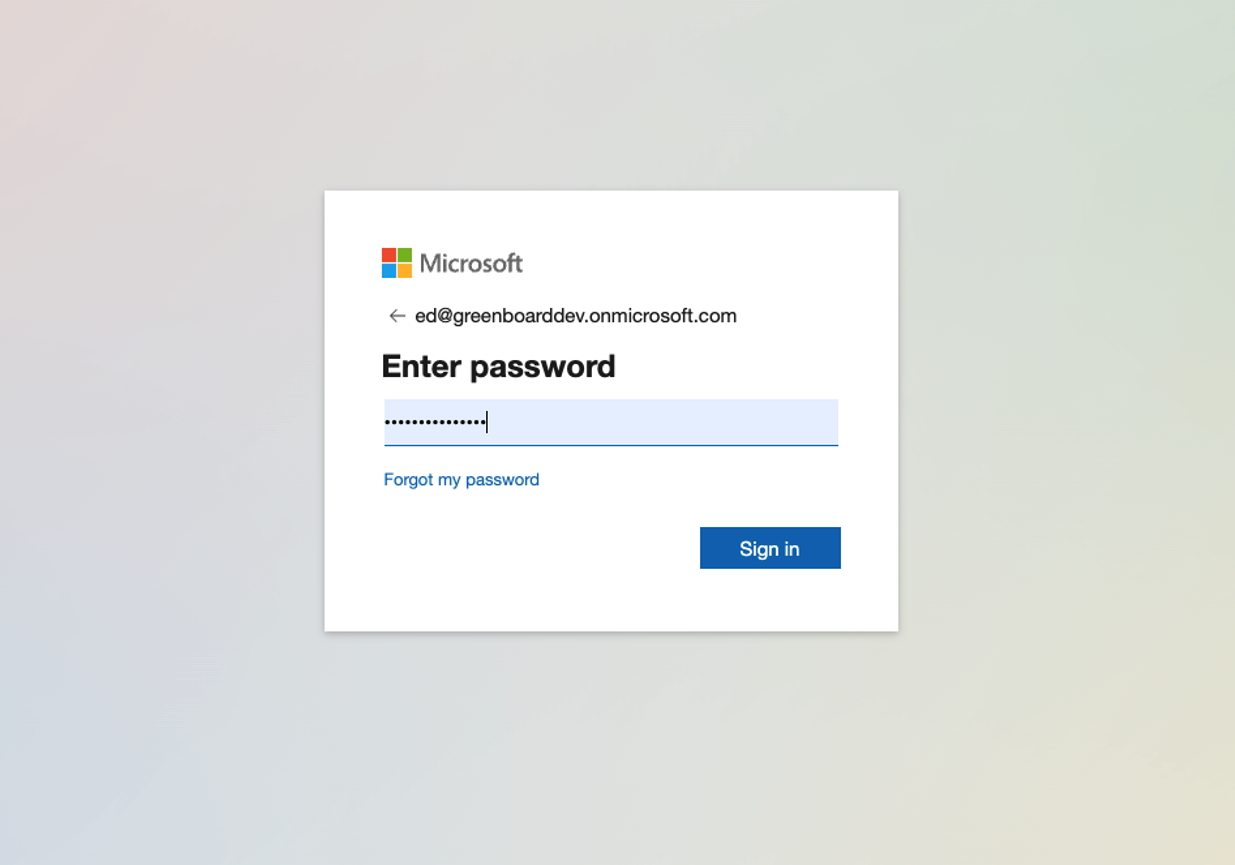
Step 3: Log in with your Microsoft 365 Administrator Account
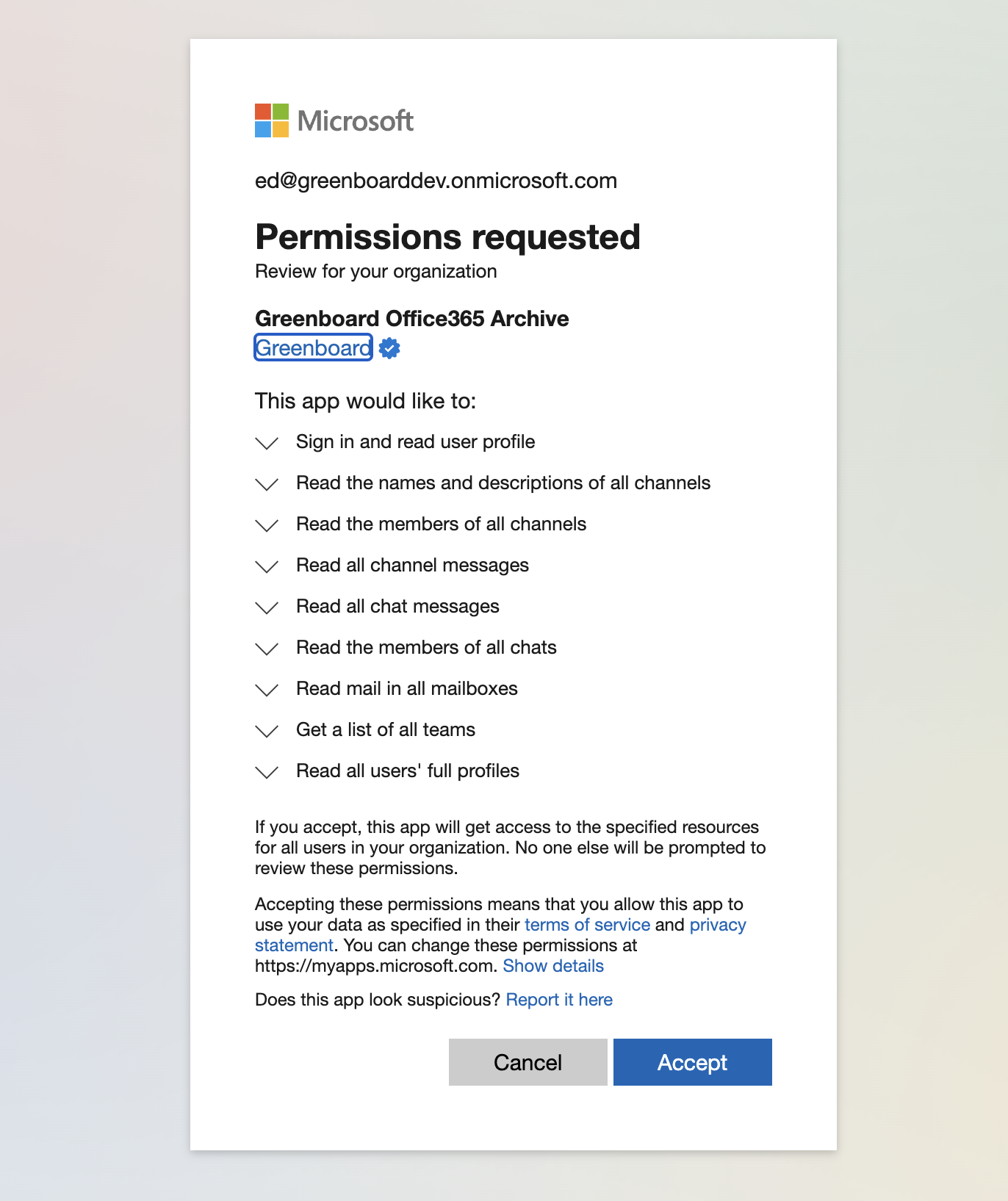
Step 4: Approve Greenboard Access
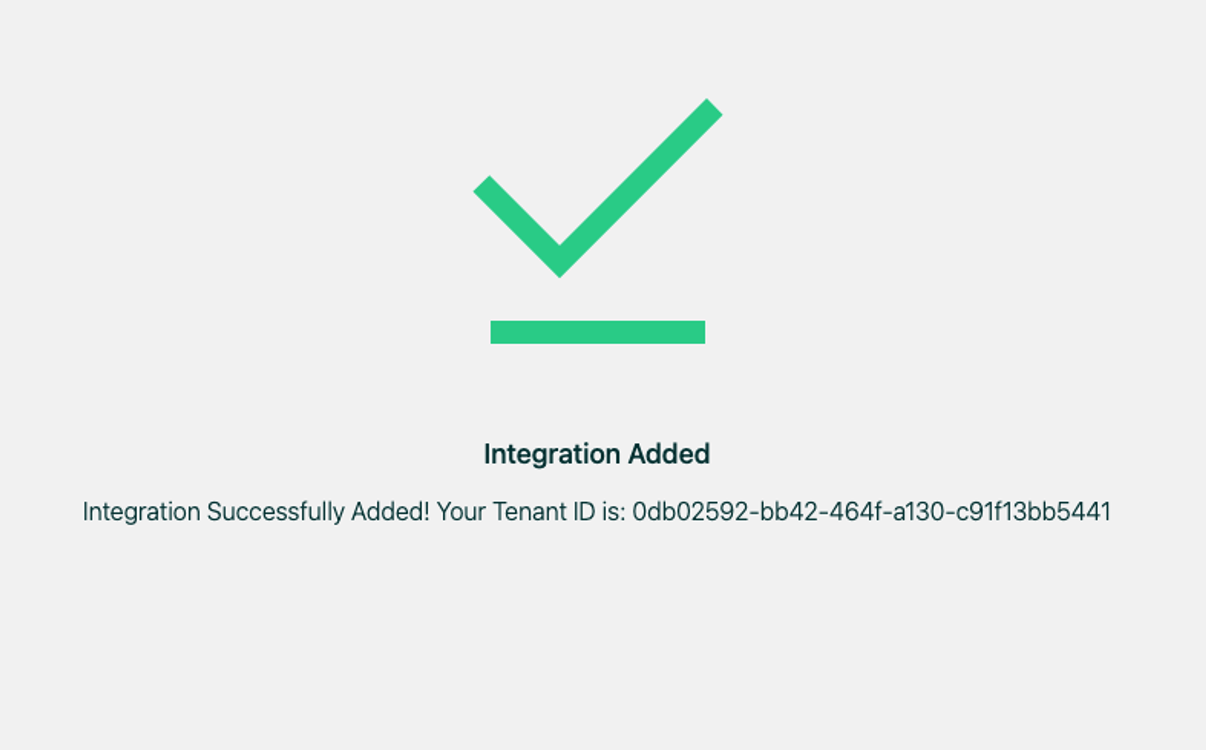
Step 5: Please email the Tenant ID to [email protected].
Tip: As a best practice, we recommend sharing any credentials with the Greenboard team using an encrypted or secure method where possible.