Fidelity
Last updated: February 10, 2026
Greenboard - Fidelity Custodial Connection Instructions
Step 1: Log onto Fidelity Wealthscape website and go to the Fidelity Integration Xchange under Resources
Step 2: In Fidelity Integration Xchange, select My Firm's Integrations -> Outbound Transmission Rules -> Add Rule

Step 3: Select Greenboard (962) and enter the appropriate details:

Step 4: For the “Header” field, enter the header provided by the Greenboard team
If you do not have one yet, email [email protected]
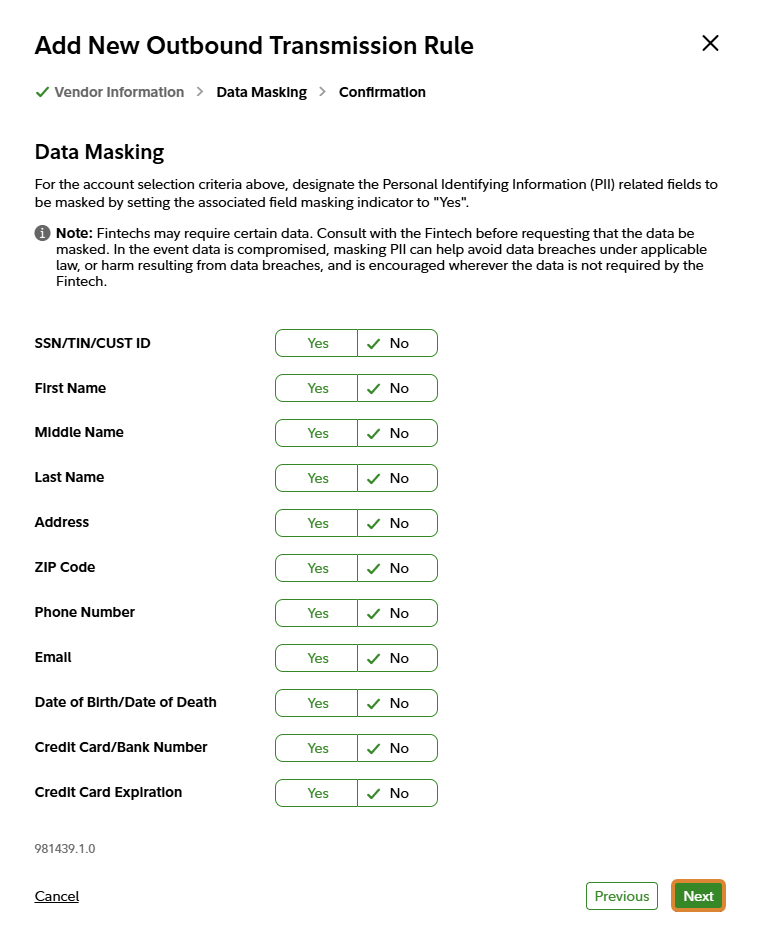
Step 5: Select Next to choose data masking criteria, then select Next. Please do not mask any data.
Step 6: Review the transmission rule confirmation details to ensure accuracy, enter your full name, and select Confirm
