Charles Schwab
Last updated: December 2, 2025
Greenboard - Charles Schwab Custodial Connection Instructions
Step 1: The Firm Security Admin Must go to the Schwab Advisor Center
Click on Account Management
Click on Forms Library
Step 2: Use the search bar to type "Data" and locate the "Request for Data Access Agreement" form.
On the right side of the screen you should see a 'Submit Request' button, which will bring up a form
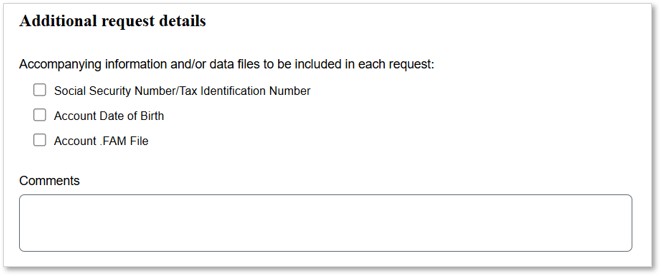
Step 3: On this form, fill out the following information:
Fill out the following information on the form:
Firm Name and Master Account Number(s)
Third-Party Vendor: Select "Other" from the Schwab vendor list, then manually enter:
Vendor Name: Greenboard
Contact Name: Dave Feldman
Email: [email protected]
Data Access Requested: Specify that you would like to share Daily Data Files with Positions, Balances, and Transactions.
*If your firm name is different from the firm name listed at the top of the form, please include your firm name in the Comments section